
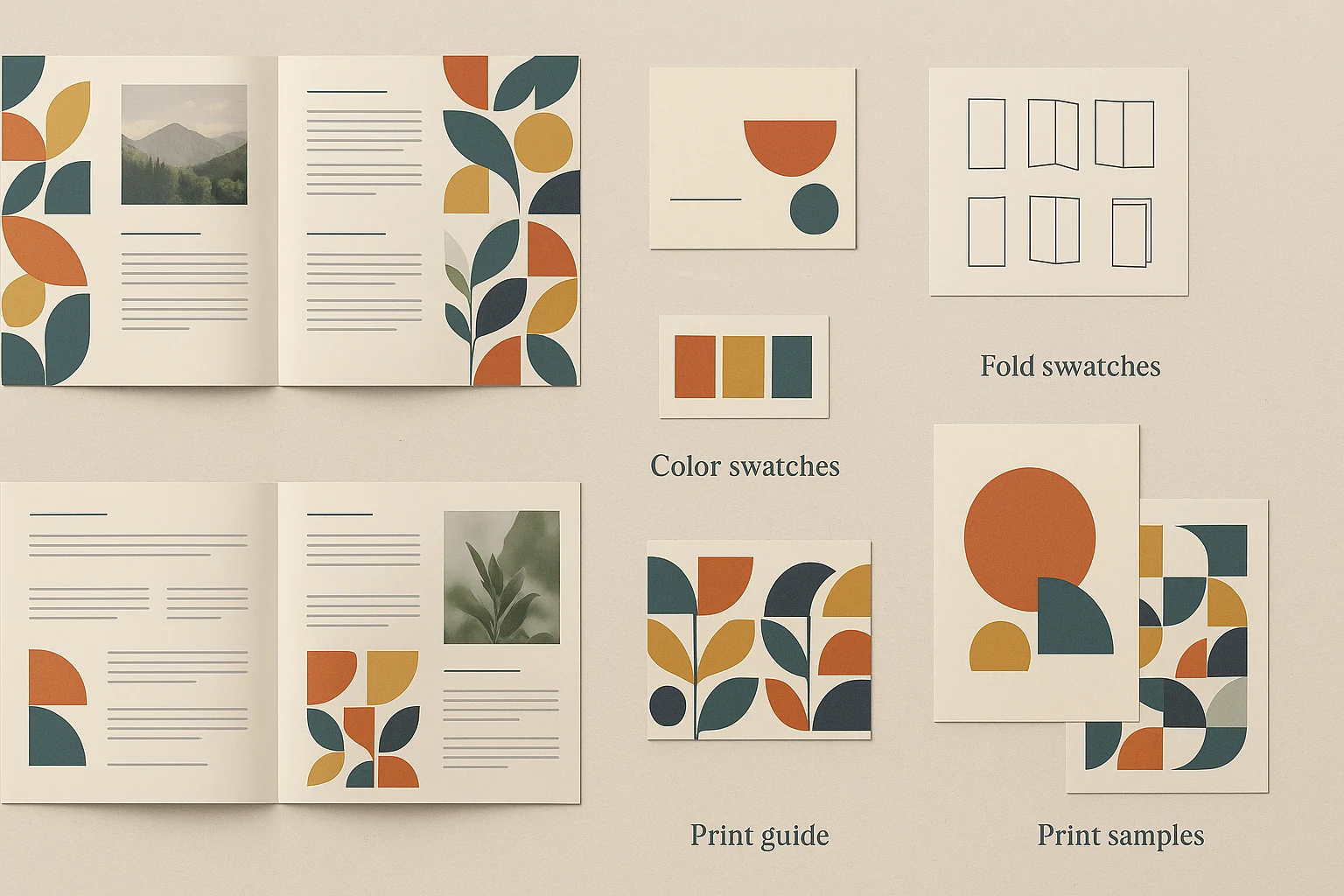
Print design is where small mistakes become expensive, and good print work is partly invisible: the brochure trims correctly and the colour feels right. Get bleed, trim and safe area, resolution, folds and paper stock decided before the file goes anywhere near a press, and proof important jobs at physical size.
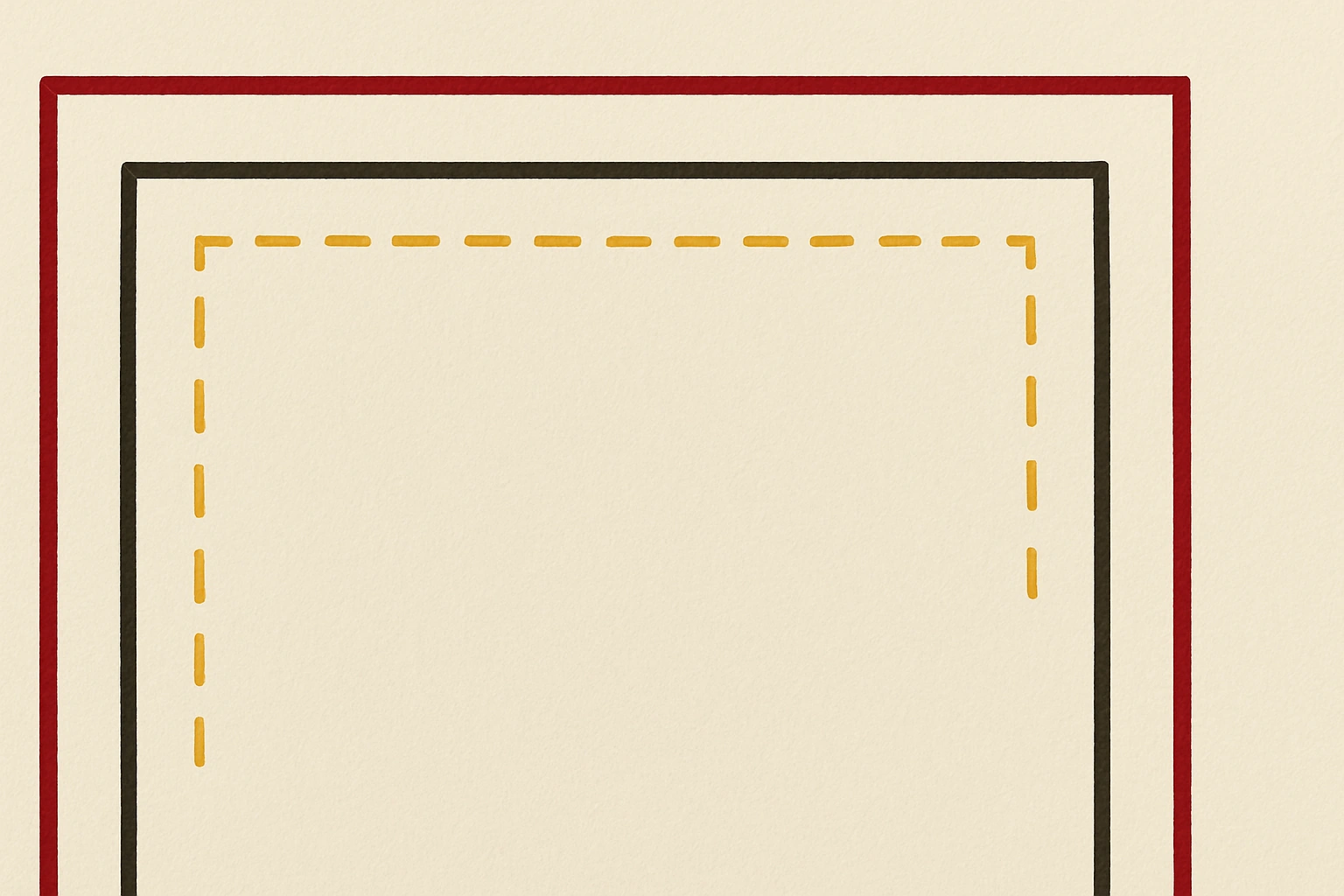
- BleedUsually 3 mm for standard print, more for some large-format work
- Trim and safe areaCritical text stays well away from the cut
- Design for the objectA card, a folded brochure and a vehicle wrap behave differently
- Stock changes the designUncoated absorbs ink differently; foil and spot UV need separate setup
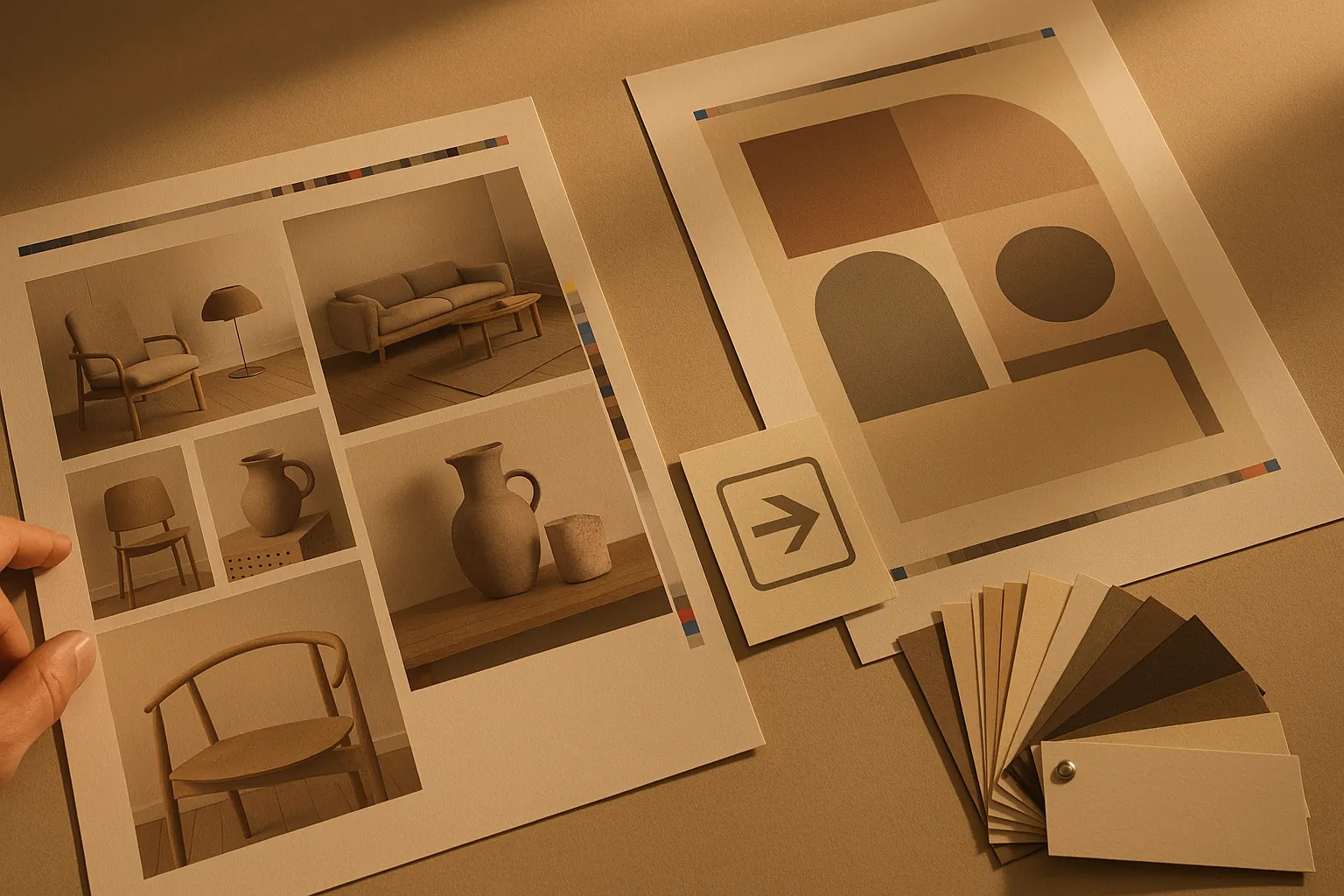
- Proof before quantityCheck spelling, numbers, QR codes, folds, trim and colour at size
Good print design is partly invisible
When print design is done well, nobody notices the technical decisions. The brochure trims correctly, the colour feels right, the fold lands where expected, the signage is readable from distance and the printer does not send the file back with questions.
This is why graphic design and print collateral needs production knowledge, not just layout taste - the same standard behind graphic design in Ipswich for local businesses.
The pre-flight checklist
- Bleed: usually 3 mm for standard print, more for some large-format jobs.
- Trim and safe area: critical text stays away from edges and folds.
- Colour: CMYK or spot colours specified correctly.
- Images: high enough resolution for the final physical size.
- Fonts: outlined or packaged according to printer requirements.
- PDF export: press-ready preset, crop marks if requested, no accidental RGB assets.
Design for the object, not the screen
A business card, catalogue, folded brochure, shopfront sign and vehicle wrap all behave differently. A layout that looks generous on a monitor can feel cramped in your hand. A thin line that looks elegant on screen may disappear after print. Small text on a poster may be unreadable at real viewing distance.
Case studies like Furniture Court business cards, Beds R Us QR campaign cards and World Refugee Day Festival print show how format shapes the design.
Paper stock and finish change the design
Uncoated stock absorbs ink differently from coated stock. Foil, embossing and spot UV require separate setup. Dark solids can mark or scuff. Large areas of rich black need careful values. If the finish matters, bring the printer into the conversation before final art.
Production-ready design is not about overcomplicating the job. It is about making sure the final object matches the expectation.
Proof before quantity
For important jobs, proofing is not optional. Check spelling, phone numbers, QR codes, folds, trim, colour and legibility at physical size. A QR code that scans on your screen might fail once laminated, scaled or printed on a textured stock.
For QR-led print, pair production checks with the thinking in QR ordering systems for events.
FAQ
It means the file is prepared to printer specifications with correct bleed, colour, resolution, trim, fonts and export settings.
We can supply production-ready files for your printer or help manage production with suitable suppliers depending on the job.
Screens use RGB light while print uses ink on stock. Paper, finish and printer calibration all affect the final colour.
Need artwork your printer can actually use?
We design brochures, business cards, catalogues, signage and campaign collateral with production requirements handled properly.