
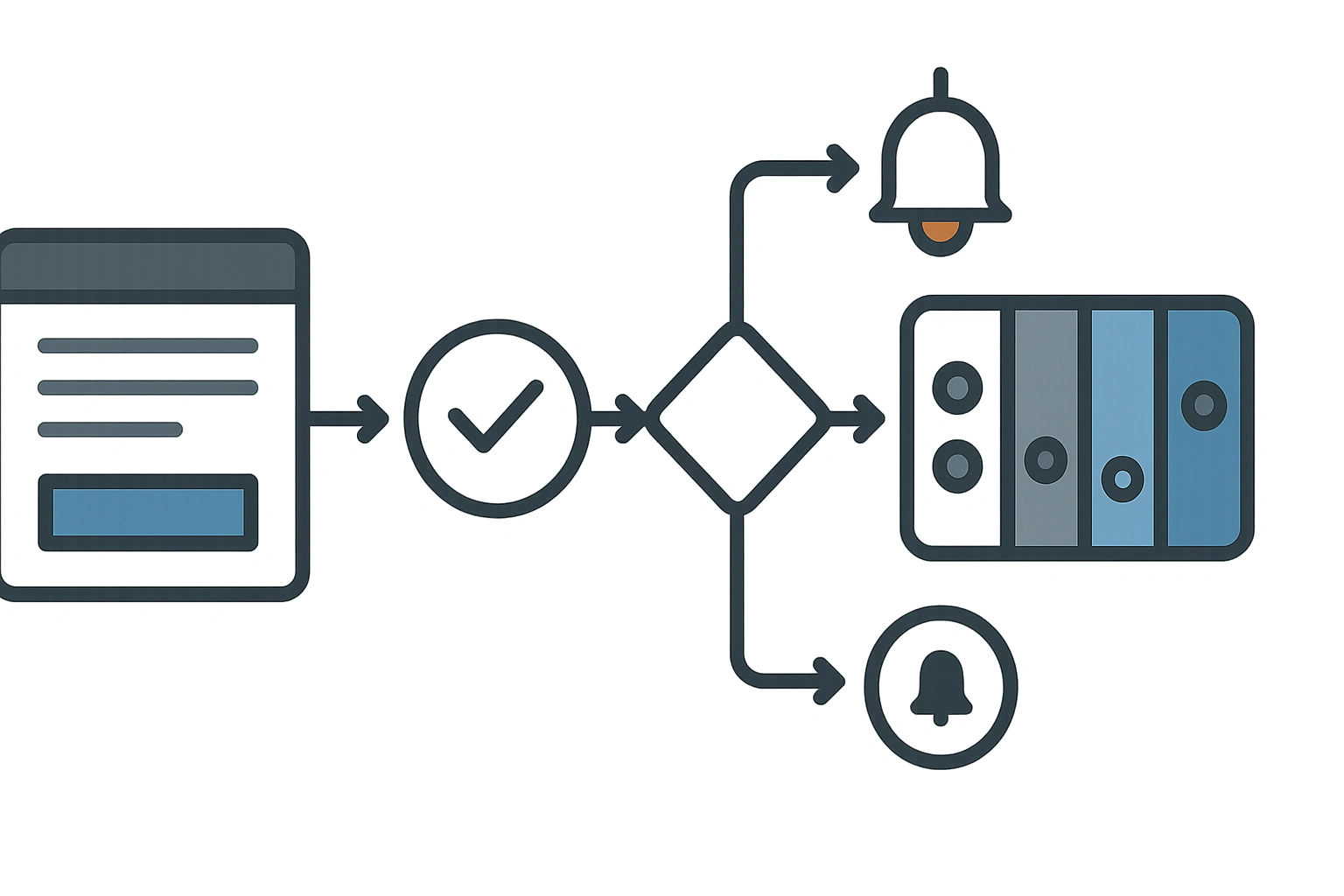
The integration most small businesses actually need is unglamorous: the CRM or quoting system talking to the accounting software so nobody re-types an invoice. Move only the few records that matter, pick a system of record for each piece of data, and design for the predictable failures rather than syncing everything.
- The problemTwo systems, one where the sale happens and one where money is tracked
- What to moveThe few records that matter. Resist syncing everything
- Three optionsNative connector, middleware, or a custom API build
- Where they breakDuplicate contacts, when two systems disagree who a customer is
- Plan aroundA system of record per field, mapped up front
The double-entry tax
Most businesses run at least two systems: somewhere the sale happens (a CRM, a quoting tool, a booking system) and somewhere the money is tracked (Xero, MYOB, QuickBooks). When those two do not talk, a person becomes the integration. They copy the customer, the line items and the amount from one screen to another. It feels small. Across a year it is days of work and a steady trickle of typos that turn into wrong invoices and awkward phone calls.
That copying is the tax you are trying to remove. It is also why we usually start an API integration project by watching how an order actually moves through the business today, not by looking at the software.
What actually needs to flow - and what doesn't
The instinct is to sync everything. Resist it. A clean integration moves the few records that matter and leaves the rest alone. For most SMEs that is: a new or updated customer, an invoice (with its line items and tax codes), and a payment status back the other way so the salesperson can see what is paid.
Things that usually should not sync: every draft quote, internal notes, and historical data older than the go-live date. Syncing those adds risk and noise for no payoff. Decide the short list first; it makes every later decision easier.
Native connector, middleware, or custom API?
There are three honest options, in rough order of cost and control.
A native connector - if your two systems already have an official integration, use it. It is the cheapest path and someone else maintains it. The catch is you get their field mapping, not yours, and it often breaks on edge cases like multi-currency or unusual tax codes.
Middleware (Zapier, Make and similar) - fine for low volume and simple, one-directional flows. It gets expensive and fragile once you need conditional logic, retries or two-way sync. We have replaced plenty of middleware that quietly dropped records for months before anyone noticed.
A custom API integration - when the logic is specific to how you work, the volume is real, or failure is expensive, a direct integration against each system's API is the durable answer. More upfront, far less ongoing. The BI Sense build is an example of going direct when reliability mattered more than speed of setup.
Where these integrations break
The failures are predictable, which is good news - you can design for them up front:
- Duplicate contacts. Two systems, two ideas of who a customer is. Decide a matching key (email, ABN) before you sync a single record.
- Tax codes that don't line up. GST-free, export, capital purchases - if the codes don't map cleanly, the accounting side rejects the invoice or files it wrong.
- Silent failures. The worst kind. A record fails to sync and nobody is told. Every integration needs retries and an alert when something gives up, or you find out at BAS time.
This is the same discipline we cover for older systems in API integrations for legacy systems.
How to plan one that lasts
Three decisions do most of the work. Pick the system of record for each piece of data - the one place a customer's details are considered true. Map the fields and tax codes explicitly, including the messy ones, before any code is written. And build in failure handling - retries, logging and an alert - from the start, because the question is when a sync fails, not if.
Get those right and the integration becomes boring, which is exactly what you want from plumbing. For the lead side of the same picture - getting a website enquiry into the CRM cleanly - see connecting your website to your CRM.
CRM-accounting integration - common questions
For a simple, low-volume, one-way flow, yes - and you should, if it holds up. Once you need two-way sync, conditional logic, retries or real volume, middleware gets fragile and expensive, and a direct API integration usually costs less over time.
Decide per data type, not globally. Customer contact details are often owned by the CRM; financial records by the accounting system. The rule is one place is true and the other follows - never both editing the same field.
A native connector can be live in a day. A considered custom integration is usually two to four weeks once field mapping and failure handling are agreed - most of that is mapping and testing, not code. Tell us your two systems and we will give you an honest estimate.
Tired of re-typing invoices between systems?
Tell us the two systems you run and where the double entry happens. We will tell you whether a connector, middleware or a custom integration is the right call.