
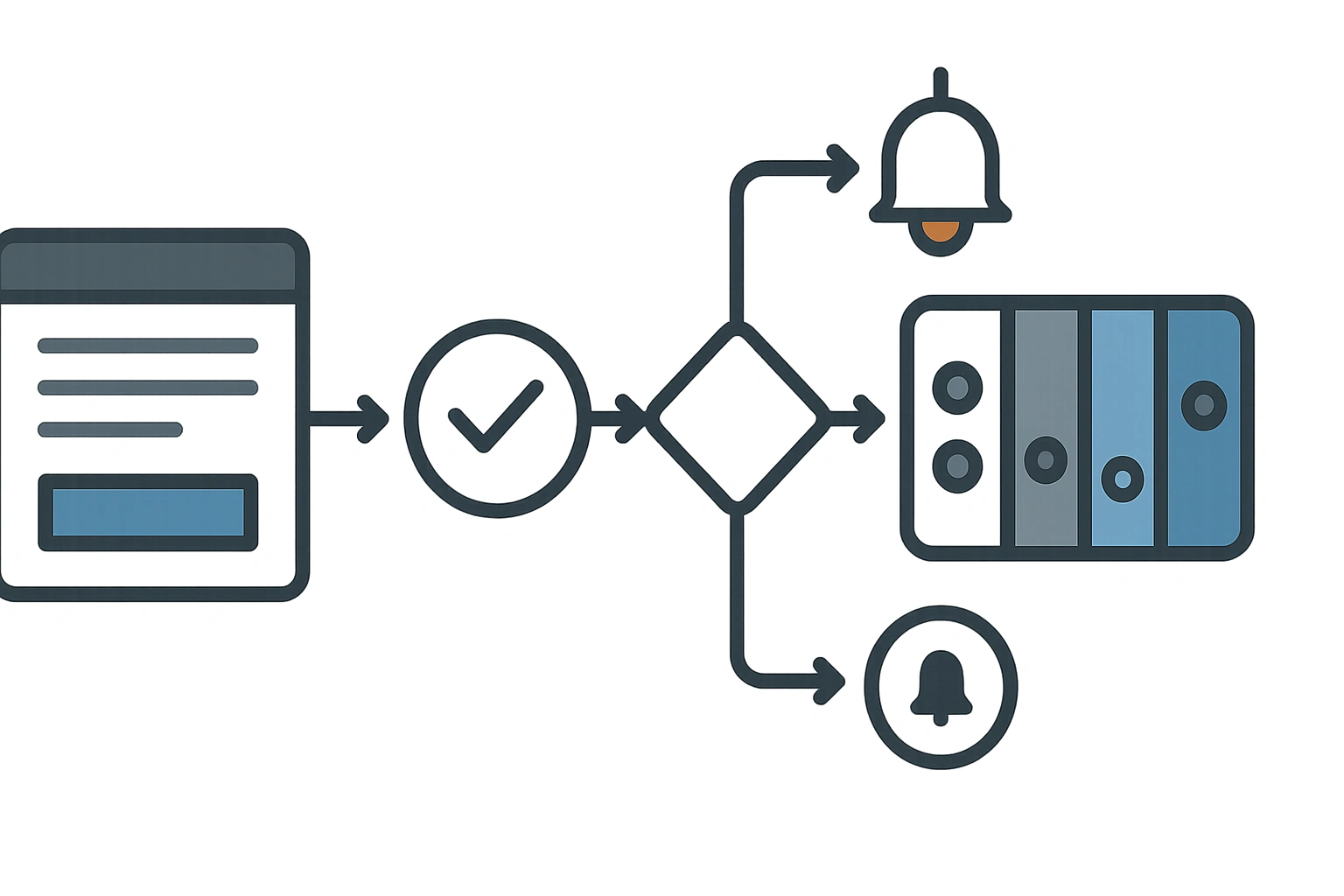
A website lead is only worth anything if it reaches the right system quickly and with context. Sending enquiries to a shared inbox fails as soon as leads need routing or qualifying. A solid integration validates the submission, keeps a local copy, retries failed pushes, and carries source and campaign data across.
- The failure modeA shared inbox, and hoping someone follows up
- What should flowContact and consent, service interest, source page and campaign data
- Reliability firstIf the CRM is down, the lead must not disappear
- Form designAsk enough to route the lead, not everything on the first screen
- The payoffYou can finally see which pages produce qualified enquiries
A form submission is not a process
Many business websites still send enquiries to a shared inbox and hope someone follows up. That might work at low volume, but it fails when leads need routing, qualification, quote context, service categories or campaign attribution.
A proper website-to-CRM integration sends structured data into the system your sales or operations team already uses.
What should flow into the CRM?
- Contact details and consent state.
- Service interest, budget range and location.
- Source page, UTM campaign and referral data.
- Uploaded files or project notes where relevant.
- Lead owner, status, priority and follow-up deadline.
- Notification events for the right person or team.
Reliability matters more than cleverness
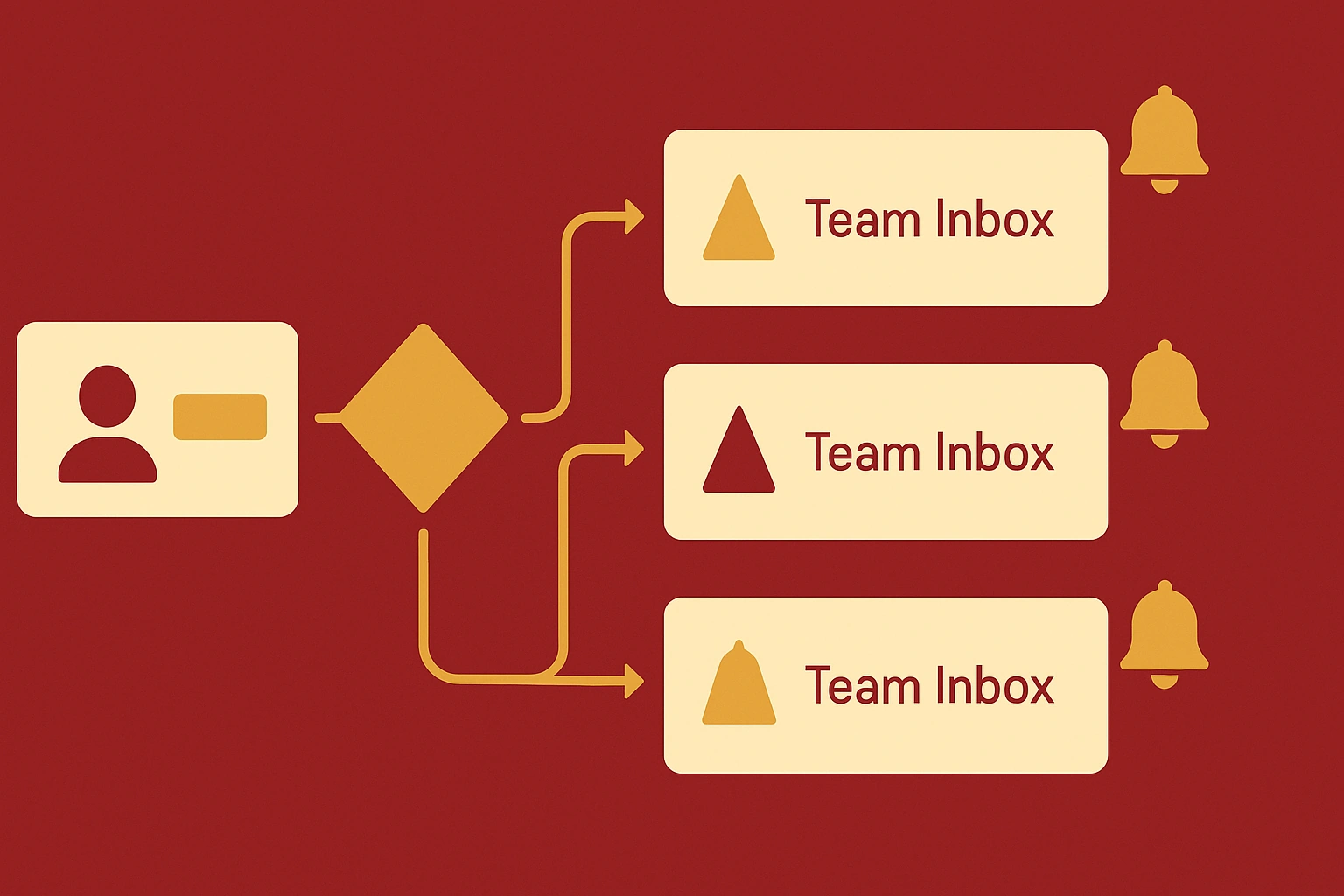
If the CRM API is down, the lead should not disappear. A robust integration validates the submission, stores a local copy where appropriate, retries failed pushes and alerts someone when the hand-off fails.
This is the same pattern covered in API integrations for legacy systems: integration work is mostly about safe hand-offs, not shiny diagrams.
Lead quality improves when forms are designed properly
Do not ask for everything on the first screen. Ask for enough to route the lead and start a useful conversation. A web design enquiry may need current URL, project type and timing. A print job may need quantity, deadline and format. A reporting automation enquiry may need source systems and current process.
Good form design is part of website design, not an afterthought.
Integrations create better marketing visibility
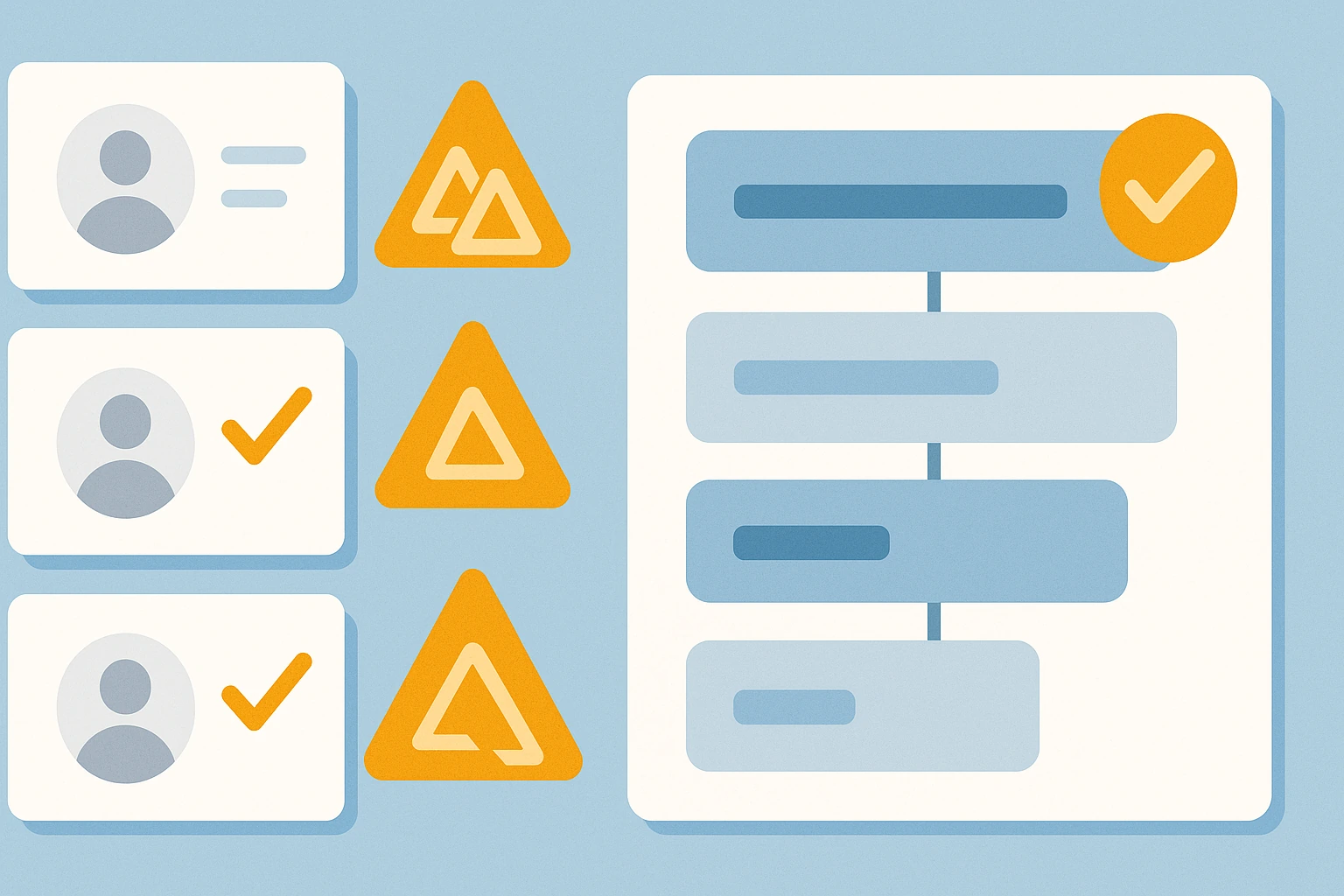
Once leads flow cleanly into a CRM, you can measure which service pages, insights and case studies generate qualified enquiries. That gives SEO and content work a feedback loop beyond traffic alone.
For sites that combine marketing and operations, connect this with API integration services and custom internal tools.
FAQ
Yes. WordPress forms can send leads to CRMs through plugins, webhooks or custom API integrations depending on the CRM and workflow.
A good integration stores the submission, retries the request and alerts the team so the lead is not lost.
Most modern CRMs with APIs or webhooks can be integrated, including HubSpot, Pipedrive, Salesforce, Zoho and industry-specific platforms.
Want enquiries to land where the team actually works?
We connect websites, forms, CRMs, email notifications and reporting flows so leads do not get lost after submission.