
Replace a spreadsheet with software when several people edit it, when one wrong paste could quietly break the numbers, when it enforces no rules on what gets entered, or when it has become the system of record for customers, orders or jobs rather than somewhere you analyse them. Size is rarely the trigger - how much the business depends on it being right is.
A spreadsheet is the right tool more often than not
Start here, because it is true: for a single person doing occasional analysis, a spreadsheet is fast, flexible and free. Replacing one with software you do not need is a classic way to spend money and gain nothing but maintenance. So the goal is not to kill spreadsheets - it is to notice the specific point where one has outgrown its job.
That point is rarely about size. It is about how many people touch it, how much the business depends on it being right, and how badly it breaks when one cell goes wrong.
The five signs it has outgrown itself
- More than a couple of people edit it. The moment several hands are in the same file, version conflicts, overwrites and "who changed this?" become a weekly tax.
- One wrong paste breaks the month. If a single mistaken edit can quietly corrupt the numbers and nobody would notice for weeks, the spreadsheet is now a risk, not a convenience.
- It enforces nothing. A spreadsheet will happily accept a date in the name field. Software can require the right data; a spreadsheet just trusts everyone to behave.
- The real logic lives in one person's head. If only one staff member understands the macros and tabs, you have a bus-factor problem dressed up as a file.
- It has become a system of record. When customers, orders or jobs are tracked in the spreadsheet rather than just analysed in it, it is doing a job software should do.
Build, buy, or fix the spreadsheet?
Three honest paths once you have decided the spreadsheet is straining.
Fix the spreadsheet. Sometimes data validation, locked cells and a tidy rebuild buy another two years for very little money. Try this first if the problem is mess, not fundamentals.
Buy off-the-shelf. If a standard product fits how you work, it is almost always cheaper than building. The catch is the ones that nearly fit and force you to bend your process around them - that is covered in custom internal tools vs SaaS.
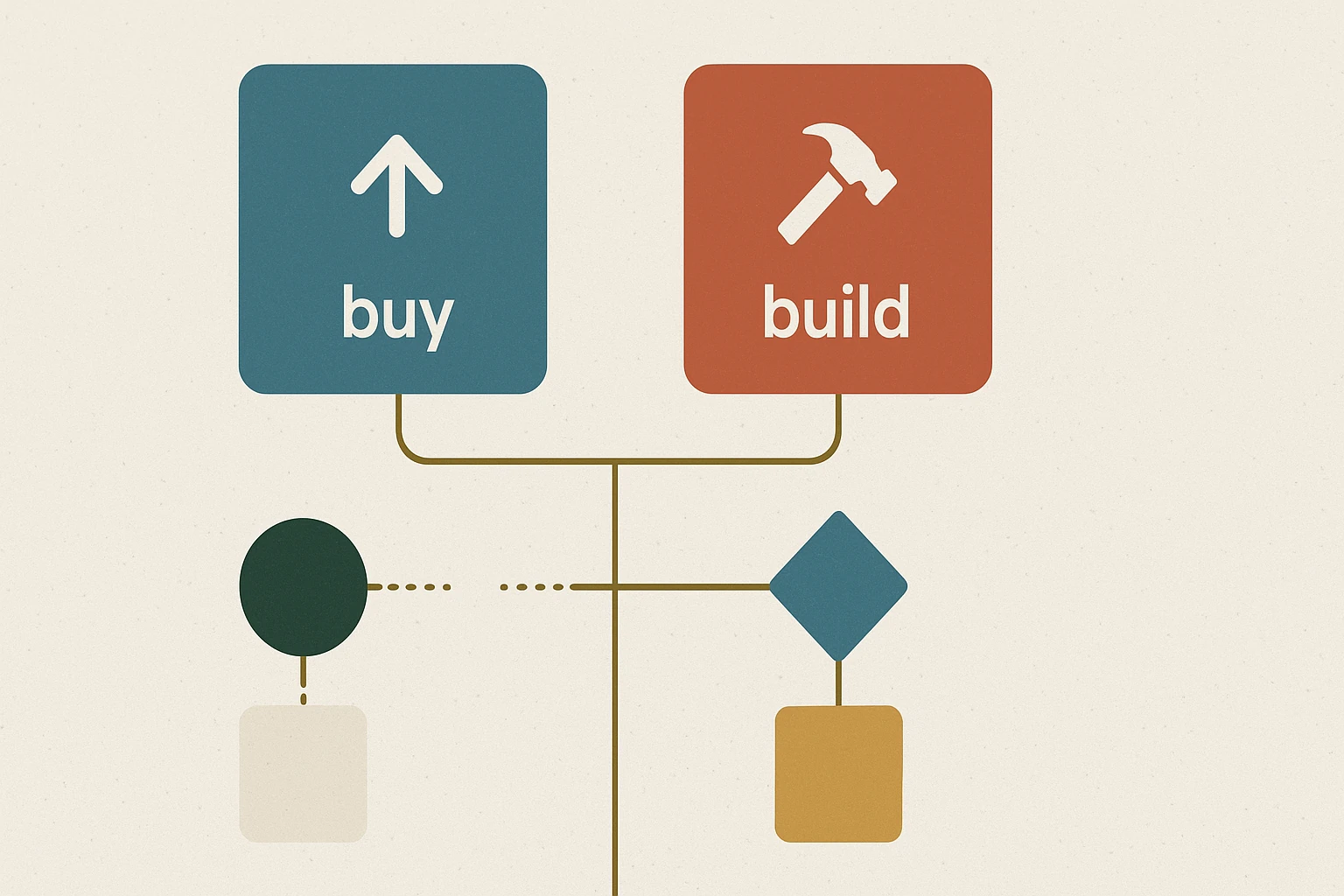
Build a custom tool. Worth it when the process is specific to how you work, the spreadsheet is mission-critical, and no product fits without compromise. A custom internal tool can enforce the rules, give everyone a safe shared view, and remove the manual steps entirely.
When should a [your industry] replace spreadsheets?
The five signs above are general, but the spreadsheet that breaks first is usually specific to the industry. Here is where it typically happens, and what it is usually tracking when it does.
Fashion and apparel brands
The spreadsheet that outgrows itself first is almost always the line sheet or size-and-colour matrix. It works for one season and one channel. It breaks the moment you carry the same style across several colourways and size runs, sell wholesale and direct at once, and need to know what is actually available to promise. Add a second warehouse or a 3PL and the stock column stops being trustworthy within a week.
The tell: someone is manually reconciling stock between the spreadsheet, the online store and what the warehouse says. That is a system-of-record problem, not a formula problem.
Trades and construction
Job tracking. A jobs tab with dates, addresses, assigned crew and status works until you have several crews and someone needs to know where a job is from a ute at 7am. The spreadsheet fails on concurrency - two people editing on phones - long before it fails on size.
Retail and wholesale
Stock and reordering. The reorder point calculation is usually sound; what breaks is that it depends on a stock figure that was accurate on Monday. Once you are selling across a store, a website and a marketplace, the spreadsheet is always describing the recent past.
Professional services
Capacity and WIP. Tracking who is on what, how much of a fixed-fee engagement is consumed, and what is billable this month. This one survives longer than most because the row count stays low - but it is usually the one where a single wrong paste has the largest financial consequence.
And when it is not time yet
If one person maintains it, the business would survive a mistake in it, and nobody outside that person needs live access, leave it alone. Data validation and locked cells will buy you two more years for almost nothing. The industries above are where we see it break, not a prediction that yours has.
What the replacement should actually do
If you do replace it, the win is not a prettier interface - it is the things a spreadsheet structurally cannot do. Enforce valid data at entry. Let several people work at once without stepping on each other. Keep a history of who changed what. Automate the step that someone currently does by hand every day. We saw exactly this on the Furniture Court QR ordering build: the spreadsheet-and-paper process worked until the rush, and replacing it removed both the bottleneck and the errors.
Match the build to the highest-value step first. The point of a tool is to remove a real cost - measure that cost before you start, and you will know whether the build is worth it.
Spreadsheet vs custom tool - common questions
When several people edit the same file, when one wrong paste could quietly corrupt numbers nobody would notice for weeks, when it enforces no rules on what gets entered, when the logic only exists in one person's head, or when it has become the system of record for customers, orders or jobs rather than somewhere you analyse them. Size is rarely the trigger - dependence is.
Usually at the point the line sheet or size-and-colour matrix stops being trustworthy - multiple colourways and size runs, wholesale and direct-to-consumer selling at once, or stock split across a warehouse and a 3PL. The clearest signal is someone manually reconciling stock between the spreadsheet, the online store and the warehouse. That is a system-of-record problem and no formula fixes it.
When several crews need to read or update it at once, typically from phones in the field. Job spreadsheets fail on concurrency long before they fail on row count - two people editing the same file at 7am is the point where version conflicts start costing you jobs rather than just time.
Once you sell across more than one channel. The reorder logic is usually fine; the problem is that it runs on a stock figure that was accurate on Monday. A store plus a website plus a marketplace means the spreadsheet is permanently describing the recent past, and you are either overselling or holding stock you did not need.
No. For one person doing occasional analysis a spreadsheet is the right tool. The case for software appears when several people edit it, the business depends on it being correct, or it has quietly become where you track customers, orders or jobs.
If a standard product fits how you already work, buy it - it is cheaper. Build only when the process is specific to your business and no product fits without forcing you to change how you work. See custom internal tools vs SaaS for the full framework.
Less than people expect when the scope is tight - a focused tool that removes one painful, high-value step rather than rebuilding everything. Send us the spreadsheet (or describe it) and we will tell you honestly whether to fix it, buy something, or build.
Has a spreadsheet quietly become business-critical?
Describe the spreadsheet and who relies on it. We will give you an honest read on whether to tidy it, buy a product, or build a custom tool.