
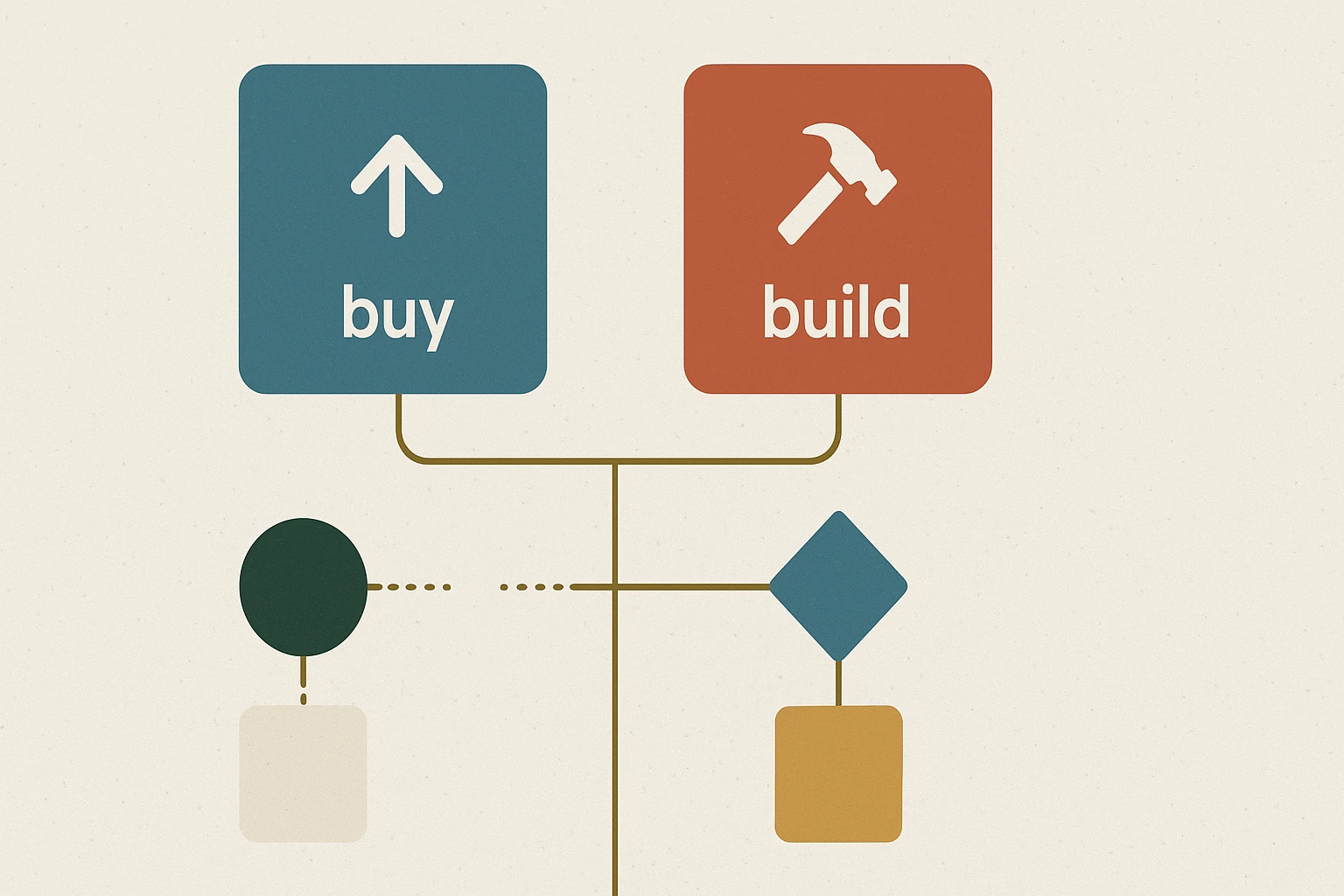
Most businesses should buy software before they build it. Off-the-shelf SaaS wins when the process is common: accounting, CRM, bookings, help desk. Build only when the workflow is specific to how you work, the hand-offs are messy, or the errors are expensive. When you do build, start smaller than you think.
- Buy whenThe process is common and standard
- Build whenThe workflow is specific and is part of your advantage
- Warning signStaff export CSVs daily to make the tool useful
- Warning signSeveral people copy the same data between systems
- Custom is not isolatedIt should still connect to CRM, WooCommerce, Xero and stock
- Start withOne workflow: an ordering flow, approval queue or quoting tool
Buy vs build, at a glance
Buy when the process is standard
If your need is common, start with SaaS. Accounting, email marketing, CRM, bookings, help desk and project management are usually better bought than built. The market has already solved those problems many times.
Custom work makes sense when the process is specific to how your business operates, or when off-the-shelf tools create as much admin as they remove.
Build when the workflow is your advantage
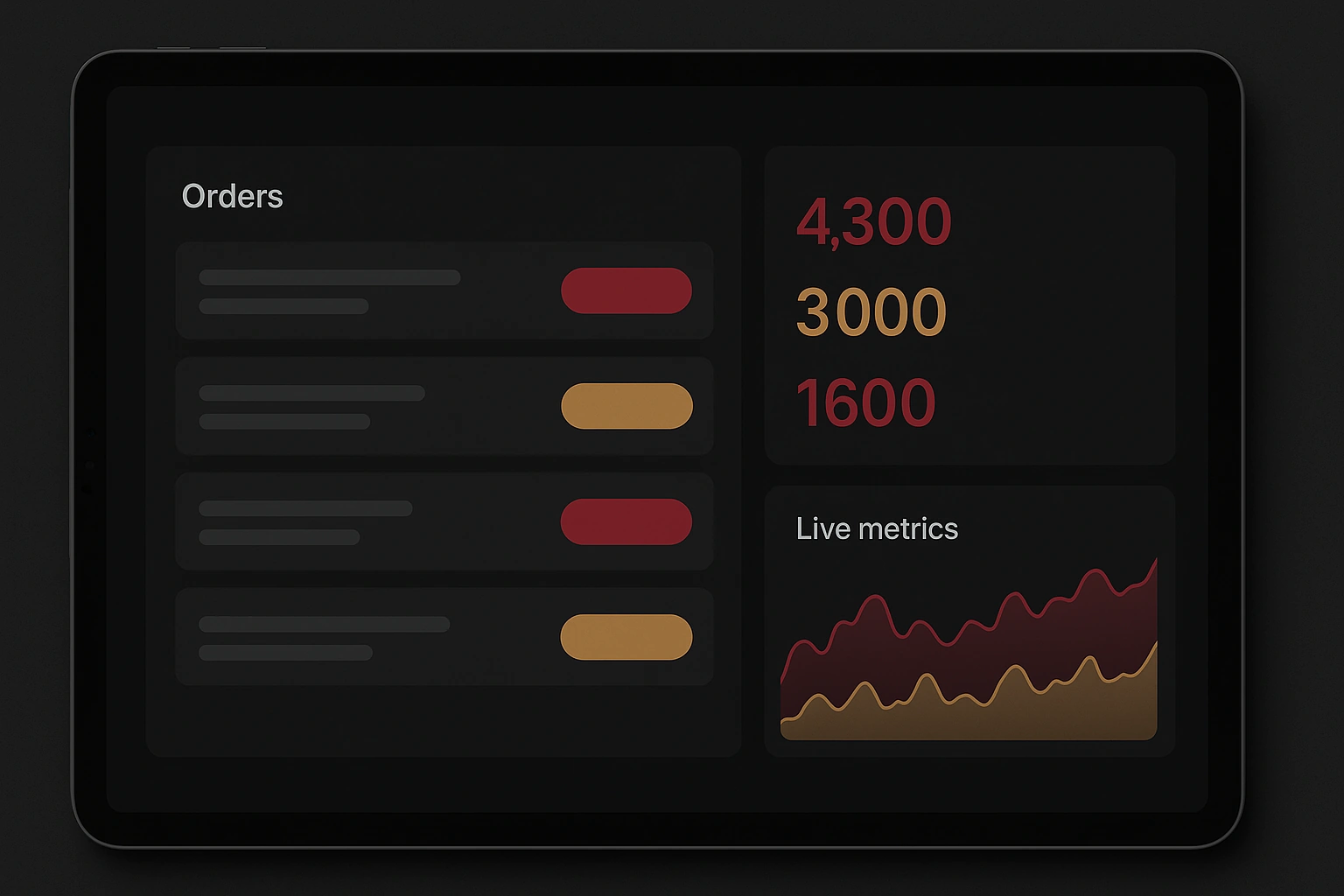
The Furniture Court QR ordering system is a good example. A generic form builder could collect orders, but it would not match the exhibition workflow, product scanning, live admin visibility and post-event reporting needed on the floor.
That is the difference: custom internal tools are not about novelty. They are about fitting the way work actually happens.
Warning signs that SaaS is not fitting
- Staff export CSVs every day to make the tool useful.
- Multiple people copy the same data between systems.
- The workflow depends on spreadsheet formulas only one person understands.
- Approvals happen in email because the platform cannot model the process.
- Errors create rework, refunds, missed orders or reporting distrust.
Custom does not mean isolated
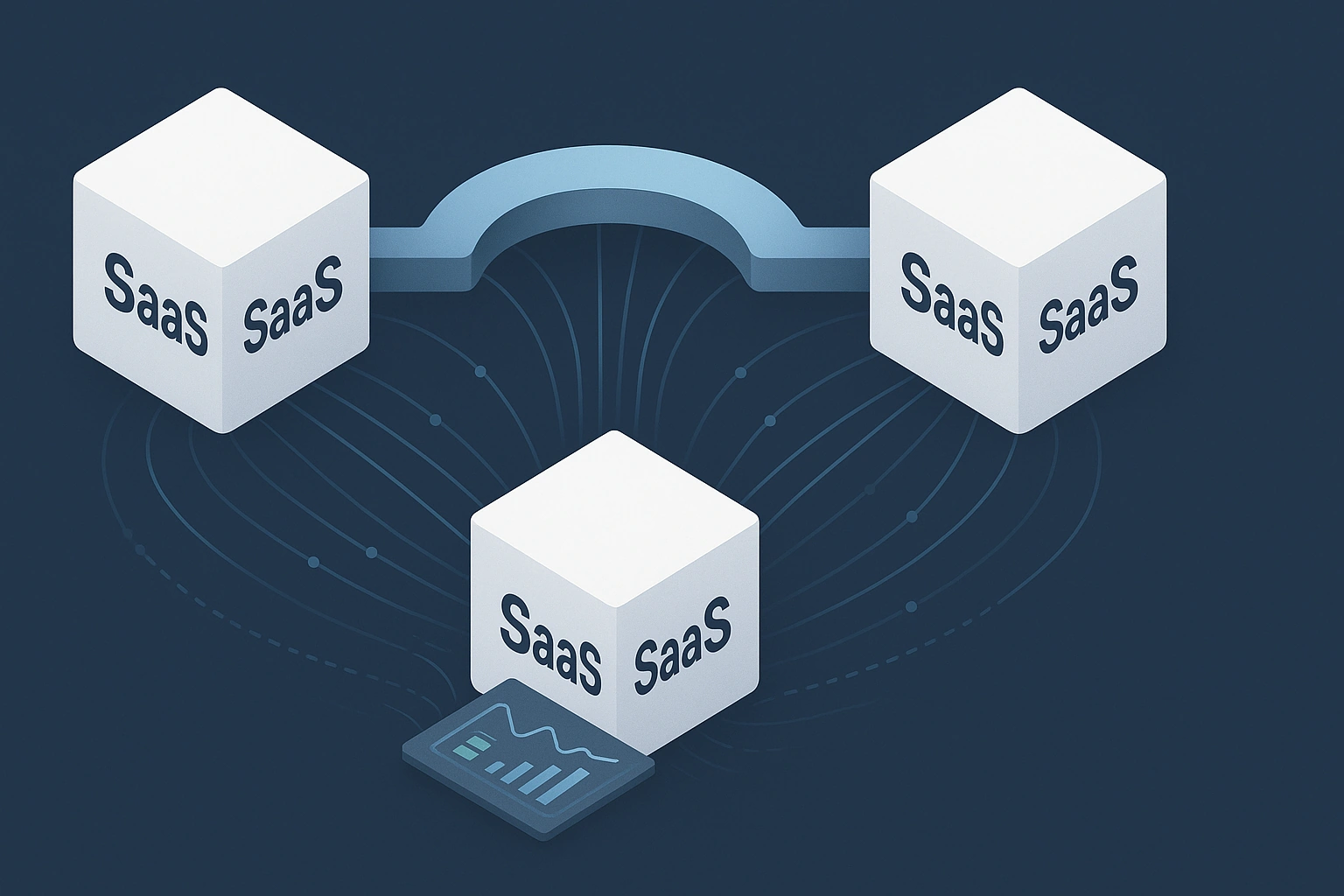
A well-built internal tool should still connect to the systems around it: CRM, WooCommerce, Xero, stock files, Power BI or email notifications. That is where custom tools and API integrations meet.
The goal is not to replace every SaaS product. The goal is to create the missing layer between them.
Start smaller than you think
The best custom tools usually start with one workflow: an ordering flow, approval queue, client portal, quoting tool, reconciliation dashboard or reporting hand-off. Build the narrow version, prove the value, then extend it.
For broader automation prioritisation, read 5 business processes you should automate first.
FAQ
When the workflow is specific, repeated, valuable and poorly served by off-the-shelf software.
It can be if overbuilt. A focused tool with simple hosting, documentation and clear ownership is much easier to maintain.
Yes. Many internal tools work best as a bridge between SaaS products, legacy systems and reporting tools.
Have a workflow that SaaS keeps bending out of shape?
We build focused internal tools, ordering flows, admin panels and portals that match how Australian teams actually work.